
How to Rank My Clinic on Google Maps? 2026 SEO Guide
How To Rank My Clinic on Goggle Maps?
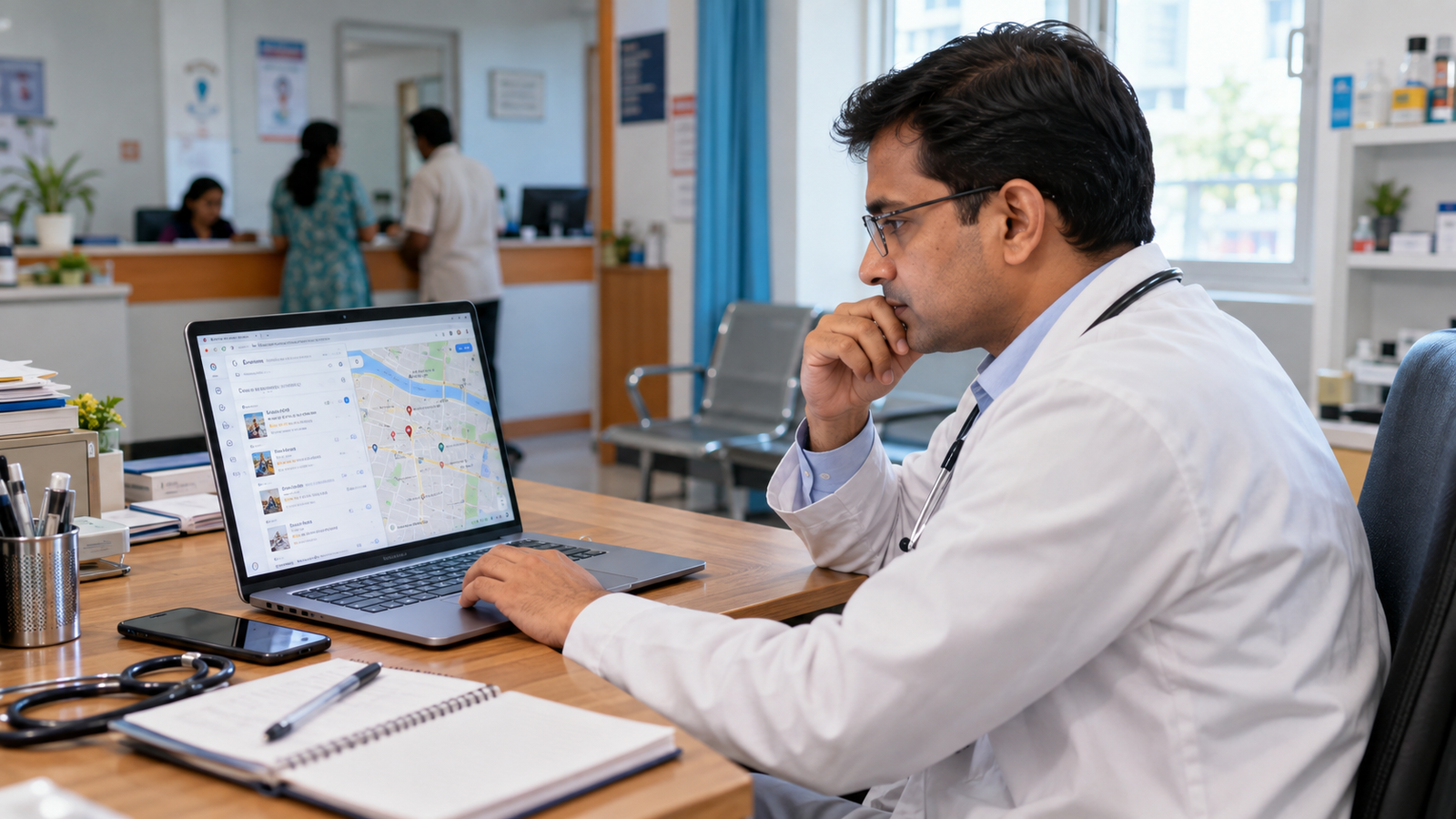
Want to rank your clinic on Google Maps and attract more local patients? Learn how to optimize your Google Business Profile, improve local SEO, manage patient reviews, and make your clinic easier to find when people search for medical services nearby.
Imagine a patient living in Kankarbagh, Patna, looking for a dentist. They open Google and search for “best dentist near me.”
Google displays several nearby dental clinics on a map. The patient checks the ratings, reads a few reviews, looks at the clinic’s photographs, and calls one of the doctors.
Your clinic might be just a few streets away. You may have experienced doctors, modern equipment, and excellent patient care. But if your clinic is difficult to find on Google Maps, that patient may never discover your services.
This is a common challenge for doctors and clinic owners in Patna, Muzaffarpur, Gaya, and other growing cities across Bihar.
The solution is not simply creating a Google Maps listing and waiting for patients to call.
You need to make sure Google has accurate information about your clinic, understands the medical services you offer, and can confidently display your business for relevant local searches.
That’s where Google Maps SEO comes in.
In this guide, we’ll explain how to rank your clinic on Google Maps, what affects local search visibility, which mistakes to avoid, and how a healthcare digital marketing company like Vyapar Wallah can help you build a stronger online presence.
1. Understand How Google Maps Ranking Works for Clinics
Before making changes to your clinic’s Google Business Profile, you need to understand why some clinics appear prominently in local search results while others don’t.
According to Google, local search rankings are primarily determined by three factors: relevance, distance, and prominence.
Relevance
How closely your clinic matches what a patient is searching for.
For example, if someone searches for a dental clinic in Patna, Google needs to understand that your business provides dental services.
Distance
How far your clinic is from the person searching, or from the location specified in their search.
A clinic in Boring Road may appear for nearby searches but not necessarily for the same search performed in another part of Patna.
Prominence
How well-known your clinic is, based on signals such as online information, links, and Google reviews.
A clinic’s online reputation and relevant website presence can contribute to its local visibility.
Here’s something every clinic owner should understand: there is no single Google Maps ranking that applies to every patient.
Your clinic might appear prominently when someone searches near your building but appear much lower when the same search is performed several kilometres away.
You cannot change how far your clinic is from every potential patient. However, you can improve the accuracy of your business information, strengthen your online presence, and make your services easier for Google and patients to understand.
2. Create and Verify Your Google Business Profile
Your Google Business Profile is the foundation of your clinic’s presence on Google Maps.
It contains the information patients see when they discover your clinic, including its name, address, phone number, opening hours, photographs, reviews, and website link.
Google provides this profile management service at no charge
If you haven’t created a profile yet, visit
Google Business Profile
and follow the setup process.
If your clinic already appears on Maps, check whether you can claim the existing listing instead of creating a duplicate.
Once you have access, complete the verification process requested by Google.
You should also make sure that the Google account belongs to the clinic owner or an authorized representative.
If an agency manages the profile, provide appropriate manager access rather than handing over permanent ownership of your business listing.
Enter your clinic’s actual business name
Suppose your clinic is officially named Sunrise Dental Clinic.
Your Google Business Profile should use that real-world name.
Don’t change it to something like:
“Sunrise Dental Clinic – Best Dentist in Patna – Affordable Root Canal Treatment – Dental Implant Specialist”
It may look like an easy way to target more keywords, but Google requires business names to reflect the names businesses use in the real world. Unnecessary keywords in the business name can violate its guidelines and may lead to profile suspension

3. Choose the Right Google Business Profile Category
Your business category helps Google understand what type of healthcare establishment you operate.
For example, a dental clinic, diagnostic centre, physiotherapy clinic, and general medical clinic do not provide identical services.
Selecting the appropriate category helps Google associate your business with relevant patient searches.
Choose the most specific available primary category that accurately describes your clinic’s main activity.
For example:
Clinic type | Category to look for |
Dental clinic | Dental clinic |
General medical practice | Medical clinic |
Physiotherapy centre | Physical therapy clinic |
Diagnostic centre | Diagnostic center |
Dermatology practice | Dermatologist, where applicable |
The available category names may differ by location and profile type. Select only categories that genuinely describe your business.
If your clinic provides several medical services, use appropriate additional categories and the services section to explain them.
However, don’t select an unrelated category merely because it has a higher search volume.
4. Complete Every Important Detail on Your Clinic's Profile
Imagine a patient finding your clinic on Google Maps and deciding to visit.
They follow the directions, reach the building, and discover that your clinic has moved to another location.
Or they call the number displayed on Google, only to find that nobody uses that number anymore.
These small mistakes can cause you to lose potential appointments.
Google recommends maintaining complete and accurate business information to help it understand and match businesses with relevant local searches
Review the following details carefully.
Google Maps Clinic Profile Checklist
0 of 9 completed
Correct clinic name and primary category
Complete address and accurate map pin
Working clinic phone number
Correct consultation and opening hours
Official clinic website link
Appointment booking link, if supported
Accurate list of medical services
Relevant clinic facilities and accessibility information
Real photographs of the clinic
Write a useful clinic description
Your clinic’s business description should tell patients what you actually offer.
Instead of repeating “best clinic in Patna” several times, write something that provides useful information.
For example, a dental clinic could use the following description after replacing the sample details with its actual services and location:
Sunrise Dental Clinic is a dental care centre located in Kankarbagh, Patna. Our clinic provides dental consultations, routine check-ups, teeth cleaning, root canal treatment, and other dental services. Patients can contact our reception team for appointment availability, consultation timings, and information about the services offered at our clinic.
A natural description helps patients understand whether the clinic offers what they need.
You should also check the map pin carefully. If the pin points to the wrong building or street, correct it so patients can reach your actual clinic entrance.
5. Add Real Photographs of Your Clinic
Patients visiting a clinic for the first time often want to know what the place looks like.
Is the entrance easy to find? Is there a waiting area? Does the clinic have the facilities mentioned on its website?
Photographs can answer these questions before someone makes an appointment.
Google allows verified businesses to upload photographs and videos to their Business Profiles and recommends images that accurately represent the real business.
Privacy matters: Never publish photographs of patients, consultation records, prescriptions, diagnostic reports, or treatment procedures without appropriate authorization and consent. Keep confidential medical information out of your Google Business Profile.
6. Collect Genuine Google Reviews From Patients
When someone searches for a clinic, they may compare several options before choosing where to book an appointment.
Reviews can help them understand other patients’ experiences with appointment scheduling, staff behaviour, facilities, and other aspects of a clinic visit.
Google also identifies reviews and positive ratings among the factors that can contribute to local ranking.
However, collecting reviews should never become a numbers game.
A clinic with hundreds of fabricated reviews is not building genuine trust.
How to ask patients for Google reviews
After a patient has completed a visit, your reception team can politely invite them to share their experience.
For example:
“Thank you for visiting our clinic. If you would like to share your experience, you can leave an honest review through our Google review link.”
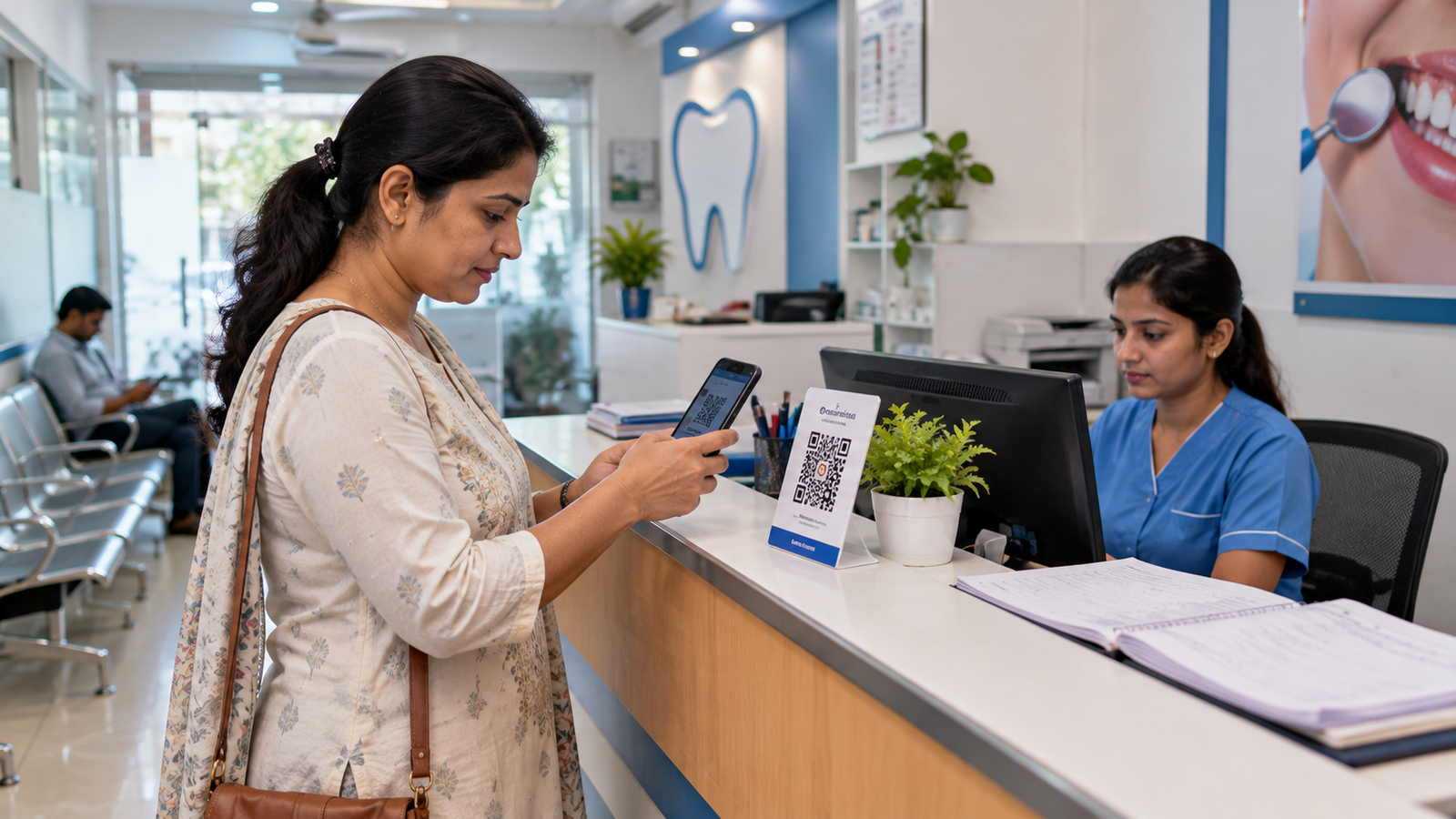
You can place a Google review QR code at reception or share the official review link through an appropriate follow-up message.
Google supports review links and QR codes, but prohibits incentives in exchange for reviews, selectively requesting only positive feedback, and pressuring customers to write reviews while on the premises.
Respond to reviews without exposing patient information
A thoughtful response shows that your clinic pays attention to feedback.
For a positive review, you could write:
“Thank you for sharing your feedback. We appreciate you taking the time to review our clinic.”
For a complaint:
“Thank you for bringing your concerns to our attention. Please contact our clinic directly so our team can review the matter privately.”
Avoid publicly confirming a reviewer’s patient status, medical condition, treatment details, or appointment history.
Even if the reviewer shares their medical information publicly, your clinic should maintain professional confidentiality.
For doctors and clinic owners who find review management difficult alongside daily patient consultations, Vyapar Wallah offers digital marketing support that can be discussed as part of a broader local SEO strategy.
The goal should be to make it easier for patients to share genuine experiences and for the clinic to respond responsibly.
7. Optimize Your Clinic Website for Local SEO
A Google Business Profile is important, but your website also deserves attention.
A well-organized clinic website can explain your medical services, introduce your doctors, provide appointment information, and help prospective patients understand what your clinic offers.
Google identifies information and links from websites as signals that can contribute to local prominence.
Start with the basics.
Your website should display your clinic’s actual name, full address, phone number, consultation hours, and relevant medical services.
Make sure it works properly on mobile devices. Patients should be able to find the phone number, locate the clinic, and access appointment information without unnecessary steps.
Target relevant local SEO keywords
Consider how your patients search.
A dental clinic in Patna might have visitors searching for:
- Dental clinic in Patna
- Dentist in Kankarbagh
- Root canal treatment in Patna
- Dental clinic near me
- Teeth cleaning in Patna
These searches represent different requirements.
Someone searching for a clinic nearby may want a location and contact number. Someone searching for root canal treatment may want information about the service and how to arrange a consultation.
Build useful pages around the services your clinic actually provides.
Create dedicated service pages
If your clinic offers dental implants, root canal treatment, and routine dental check-ups, consider creating separate pages for these services.
Each page should explain the service, who provides it, what patients should know before booking, and how they can contact your clinic.
For a multispecialty clinic, individual pages for relevant departments can also help patients find appropriate information.
Medical content should be accurate, reviewed by qualified professionals where appropriate, and should not promise treatment outcomes.
Connect your website with your Google Business Profile
Add the correct website URL to your Google Business Profile.
Your website should also contain the clinic’s contact information, physical address, and a Google Maps link or directions button.
Where technically appropriate, your developer can implement relevant local business structured data to help search engines understand information about your clinic, such as its name, address, telephone number, and opening hours.
8. Keep Your Clinic's Online Business Information Consistent
Your clinic may appear on several platforms beyond Google Maps.
These might include healthcare directories, local business directories, hospital websites, professional association directories, and social media pages.
Check whether these platforms display accurate information about your business.
For example, if your clinic’s actual name is Sunrise Dental Clinic, use that name consistently rather than displaying several different variations without a legitimate reason.
If your clinic changes its location, phone number, or working hours, update the relevant listings.
Inaccurate information can create confusion for patients and make it harder for them to contact or locate your clinic.
9. Track Whether Your Google Maps SEO Is Actually Working
Improving Google Maps visibility is not a one-time activity.
You should regularly review whether potential patients are discovering your clinic and taking useful actions.
Google Business Profile provides performance information that can include profile views, search terms, calls, website clicks, and directions requests, depending on the features available to your business.
Here are some practical questions to review each month:
Metric | What it can tell you |
Profile views | How often people viewed your business profile |
Search terms | Which searches led people to your profile |
Call clicks | How often users clicked your profile’s call button |
Direction requests | How often people requested directions to your clinic |
Website clicks | How often users visited your website from your profile |
Appointment enquiries | How many relevant enquiries your clinic received through trackable channels |
A rise in profile views does not automatically mean your clinic is receiving more patients.
For example, your profile might attract more visitors, but if the phone number is incorrect or the reception team misses calls, those visits may not result in appointments.
Review your Google Business Profile performance alongside actual appointment enquiries and reception records, using privacy-appropriate methods.
An experienced healthcare SEO agency should explain the difference between increased visibility and genuine business outcomes.

10. How Vyapar Wallah Can Help Your Clinic Improve Its Online Presence
Managing a clinic requires attention to patient care, appointments, staff coordination, and everyday operations.
Finding additional time to manage Google Business Profile information, website SEO, online content, and digital marketing can be challenging.
Vyapar Wallah is a Bihar-based digital marketing company serving doctors, hospitals, clinics, coaching institutes, schools, and other businesses.
For healthcare businesses, a digital marketing strategy may include reviewing the clinic’s existing online presence, improving website content, optimizing relevant local search information, managing social media, and maintaining accurate business details.
A dental clinic in Patna, a diagnostic centre in Gaya, and a multispecialty hospital in Muzaffarpur will not necessarily require the same marketing plan.
The services and geographical locations each business wants to target should influence the proposed approach.
If you are exploring Google Maps SEO services for your clinic, you can discuss your requirements with the Vyapar Wallah team and request a clear explanation of the recommended work, pricing, and performance reporting.
An important part of this discussion is understanding what your clinic can realistically improve and which results cannot be guaranteed.
Frequently Asked Questions
1. How can I rank my clinic on Google Maps?
To improve your clinic’s Google Maps visibility, create and verify your Google Business Profile, select accurate business categories, maintain complete contact information, add genuine clinic photographs, collect authentic patient reviews, and optimize your website for relevant local searches. Rankings also depend on factors such as the searcher’s location and your clinic’s prominence.
2. How can I rank my clinic on Google Maps without a website?
You can create and manage an eligible Google Business Profile without having a clinic website. Complete your business information, verify your profile, upload genuine photographs, and maintain accurate contact details. A website can provide additional information about your clinic and its services, but it is not required to create a Business Profile.
3. How long does it take to rank a clinic on Google Maps?
There is no fixed ranking timeline. A newly created profile may need verification and time for its information to appear or update. Changes in local search visibility depend on relevance, distance, competition, prominence, and other factors. No agency can guarantee a particular ranking within a specific number of days.
4. Do Google reviews help clinic rankings?
Google states that reviews and positive ratings can contribute to local ranking. However, reviews are only one part of the process. Relevance, distance, and other prominence signals also matter. Clinics should request honest feedback from real patients without offering incentives or selectively soliciting positive reviews.
5. Is Google Business Profile free for doctors?
Yes. Doctors and eligible clinics can create and manage their Google Business Profiles without paying Google a listing fee. An independent digital marketing agency may charge for optional services such as profile management, website optimization, or other marketing activities.
6. Can a clinic appear in Google Maps results for nearby locations?
Yes. A clinic may appear for relevant searches performed in nearby neighbourhoods, depending on factors such as distance, relevance, and prominence. However, a clinic cannot guarantee visibility across an entire city simply by adding multiple neighbourhood names to its profile.
7. Do I need to hire a Google Maps SEO agency for my clinic?
Hiring an agency is optional. Clinic owners can manage their own Google Business Profiles and make many improvements themselves. An agency may be useful when the clinic needs support with technical SEO, website development, content, local search strategy, or ongoing performance reporting.
8. Can I pay Google to put my clinic at the top of Google Maps?
Google Ads can provide paid advertising opportunities, subject to applicable advertising policies and availability. However, paying for advertising does not guarantee a higher organic Google Maps ranking. Unpaid local rankings are determined by Google’s local search systems.
Want to improve your clinic’s visibility on Google Maps?
Vyapar Wallah provides digital marketing services for healthcare and other businesses in Bihar. Whether you run a dental clinic, diagnostic centre, multispecialty clinic, or hospital, you can discuss your local SEO requirements and online marketing goals with its team.
Visit Vyaparwallah.com to explore digital marketing services for your clinic and discuss a strategy suited to your location, medical services, and business objectives.
Need Help Growing Your Business?
Let's discuss how digital marketing, SEO and online growth strategies can help you get more customers.